7 Types of Photos to Share After Every Event
The best photos to share after weddings, birthdays, and big events — must-have shots, candid ideas, caption help, and an easy way to collect every guest photo.
The party's over. Guests are heading home, someone's packing the leftover cake, and your phone has a lovely picture of the decorations but none of your dad's speech. Meanwhile, the photos you want are scattered across group chats, camera rolls, and phones belonging to people who've already left.
Choosing the right photos to share starts with deciding what you'll do with them. A recap album needs context and movement. A social post needs a clear focal point. A printed keepsake needs a clean original, while a thank-you card works best with a personal connection.
The useful categories are straightforward: formal group portraits, candid reactions, milestone moments, atmosphere shots, detail photos, personal thank-you pictures, and everyday guest perspectives. Pair each with a clear collection prompt, then bring everything into a central upload hub. For memories you'll revisit alongside written notes, this guide to dated entries with images offers another way to preserve the story beyond the gallery.
Table of Contents
- 1. EventUploader
- 2. GUESTPIX
- 3. GuestCam
- 4. Kululu
- 5. WedUploader
- 6. Guestlense
- 7. Photos.io
- Tools for Collecting and Sharing Event Photos at a Glance
- From Scattered Phones to a Shared Album, Your Next Step
1. EventUploader
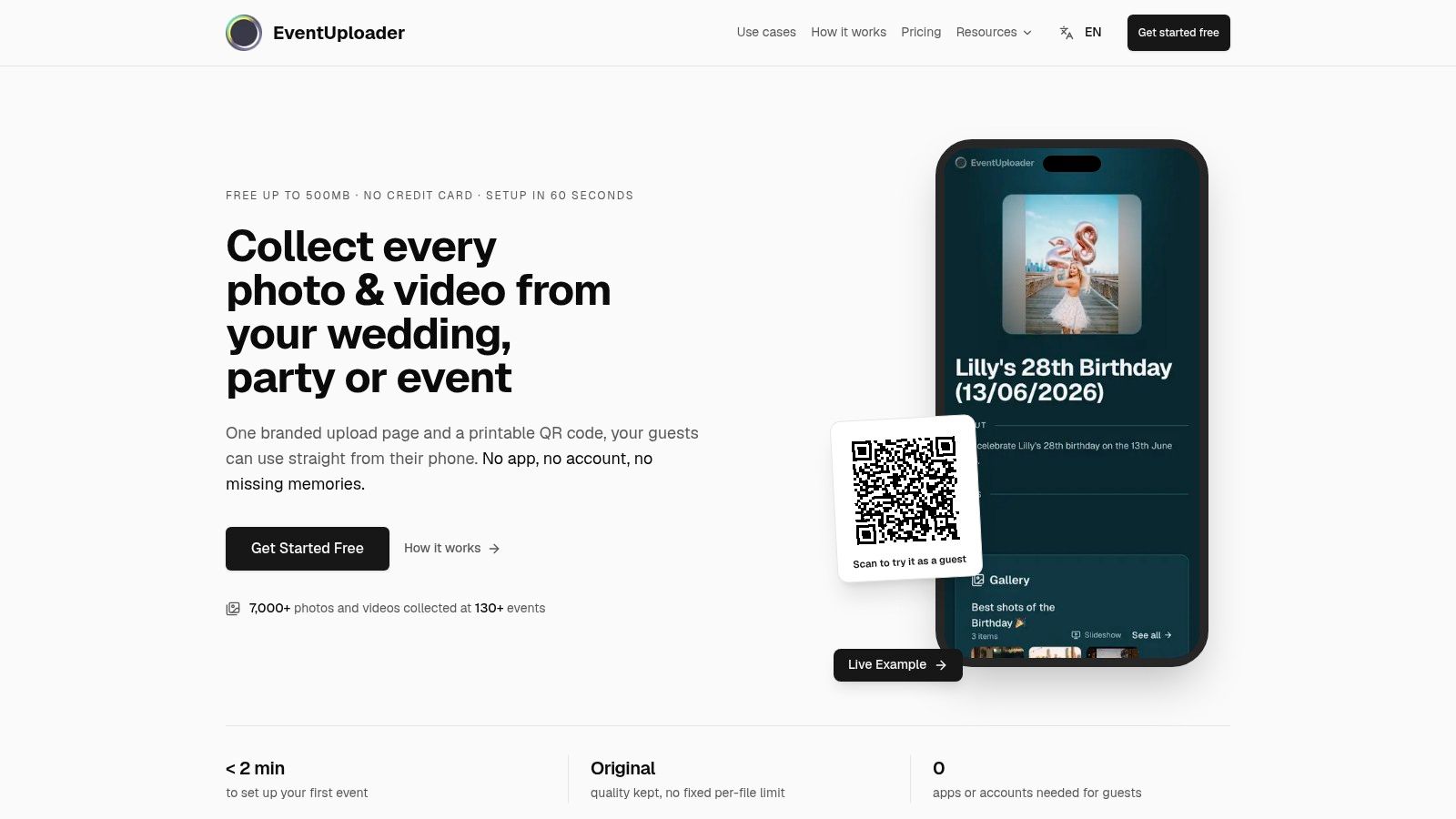
Best pairing: formal group portraits for the recap album and family archive. Start with the photographs people will actively ask you for afterward: the couple with grandparents, the birthday host with siblings, or the graduating class with their teacher.
Our approach at EventUploader is to collect photos and videos through a branded upload page, using a link or printable QR code. Guests don't need an app or account, and incoming files appear in the organizer's dashboard with previews and the sender's name. You can control submissions, download original-quality files, and select what deserves a place in the finished album.
Collect the group, not just the posed frame
Ask a reliable guest to photograph each important grouping, then keep shooting as everyone relaxes. The formal portrait belongs in the family archive; the laugh immediately afterward might make the better album opener.
- Shoot: Arrange people away from clutter, keep faces visible, and leave space around the group for later cropping.
- Collect: Put the upload instructions near the welcome sign and ask guests to send originals rather than screenshots from a chat.
- Caption: Identify the occasion and relationships, such as the anniversary couple surrounded by their children and grandchildren.
For older relatives, offer a typed address beside the QR code and a trusted person who can help upload. An ACM paper on older adults' technology adoption identifies technology literacy and visual or motor impairments as recurring barriers, so don't mistake a simple interface for universally easy participation.
The trade-off: Collection and publication are different decisions. Our Free plan doesn't include public galleries or shareable albums; those are available on One Timer, Light, and Pro, and publishing makes the selected gallery visible to everyone with its link.
2. GUESTPIX
The best candid photograph often happens beside the main attraction: bridesmaids laughing before an entrance, cousins comparing dance moves, or a colleague reacting to a retirement speech. Use candid reactions to give your recap album a story, rather than filling it with people facing the camera.
GUESTPIX combines browser-based photo and video collection with event extras such as guestbooks, slideshows, invitations, and RSVP features. That broader package suits hosts who want guest contributions and event presentation together, rather than a basic upload folder.
Ask guests for the moment they enjoyed, not simply every photograph they took.
Give candid photos enough context
Ask contributors to include what happened immediately around the reaction. A close-up of someone laughing becomes more meaningful when the neighboring image shows the speech, surprise entrance, or impromptu dance that caused it.
Keep the crop loose enough to retain hands, gestures, and nearby faces. Remove distracting empty space, but don't isolate the expression so tightly that viewers can't understand the scene.
For captions, explain the connection: the cousins teaching everyone the dance, or the team hearing their manager's farewell story. Avoid guessing someone's emotions or turning an unflattering expression into the joke.
Where it works: Albums, guestbook contributions, and slideshow features help combine pictures with guests' perspectives. Where it needs planning: Upload and hosting periods vary by package, so choose around when guests will contribute, then download your archive before hosting ends.
Compared with a plain folder, the extra event features are useful only if you'll use them. Don't make guests complete unnecessary activities just to send a photograph.
3. GuestCam
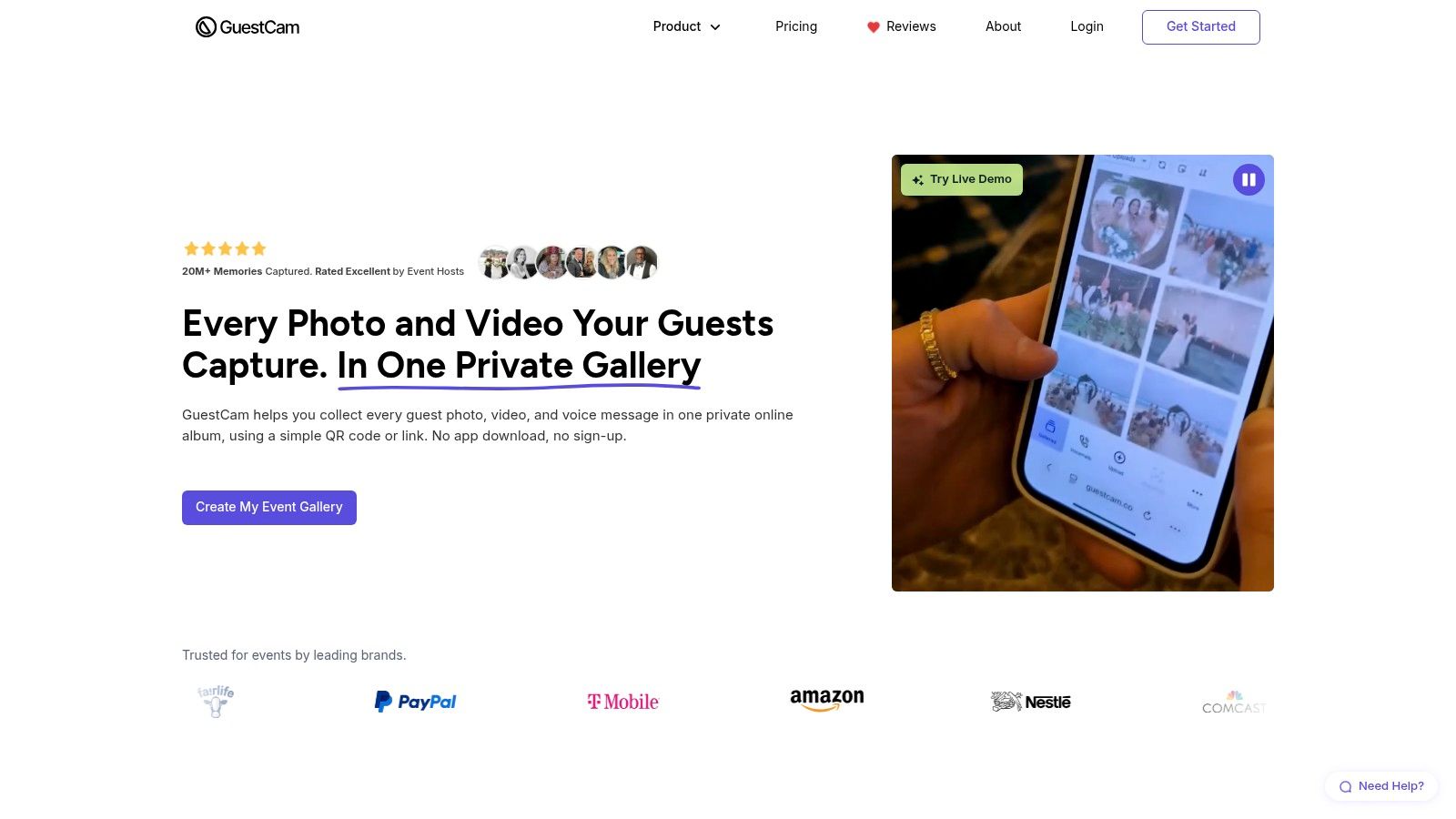
Milestone moments belong in your highlight post: the candle blowout, graduation handshake, first dance, ribbon cutting, or retirement toast. Unlike room photographs, these can't be recreated once everyone has moved on.
GuestCam collects photos, videos, and audio messages through a browser. Its host controls include choices about uploading, viewing, and reviewing submissions, which makes it worth considering when you want to screen milestone pictures before sharing them.
Capture the action and the response
Position your main photographer where the subject's face is visible. Ask another guest to capture the audience reaction from the side, without blocking the professional photographer or stepping into the ceremony.
- Shoot: Frame the person and the meaningful object together, whether that's a diploma, cake, microphone, or retirement gift.
- Crop: Make a separate social version, leaving the untouched original available for the album or print.
- Caption: Say what happened and why it matters, without exposing information the subject hasn't agreed to publish.
For children's milestones, review backgrounds as carefully as faces. Kaspersky's guidance on sharing children's photos highlights the risks of including identifying details, so remove visible school information, addresses, and unnecessary location references.
GuestCam's optional face-search feature may appeal when guests want to find their own pictures. I'd prioritize review controls over face search for a family milestone, and decide whether guests need the full gallery at all. A selected highlight collection is often the more considerate hand-back.
4. Kululu
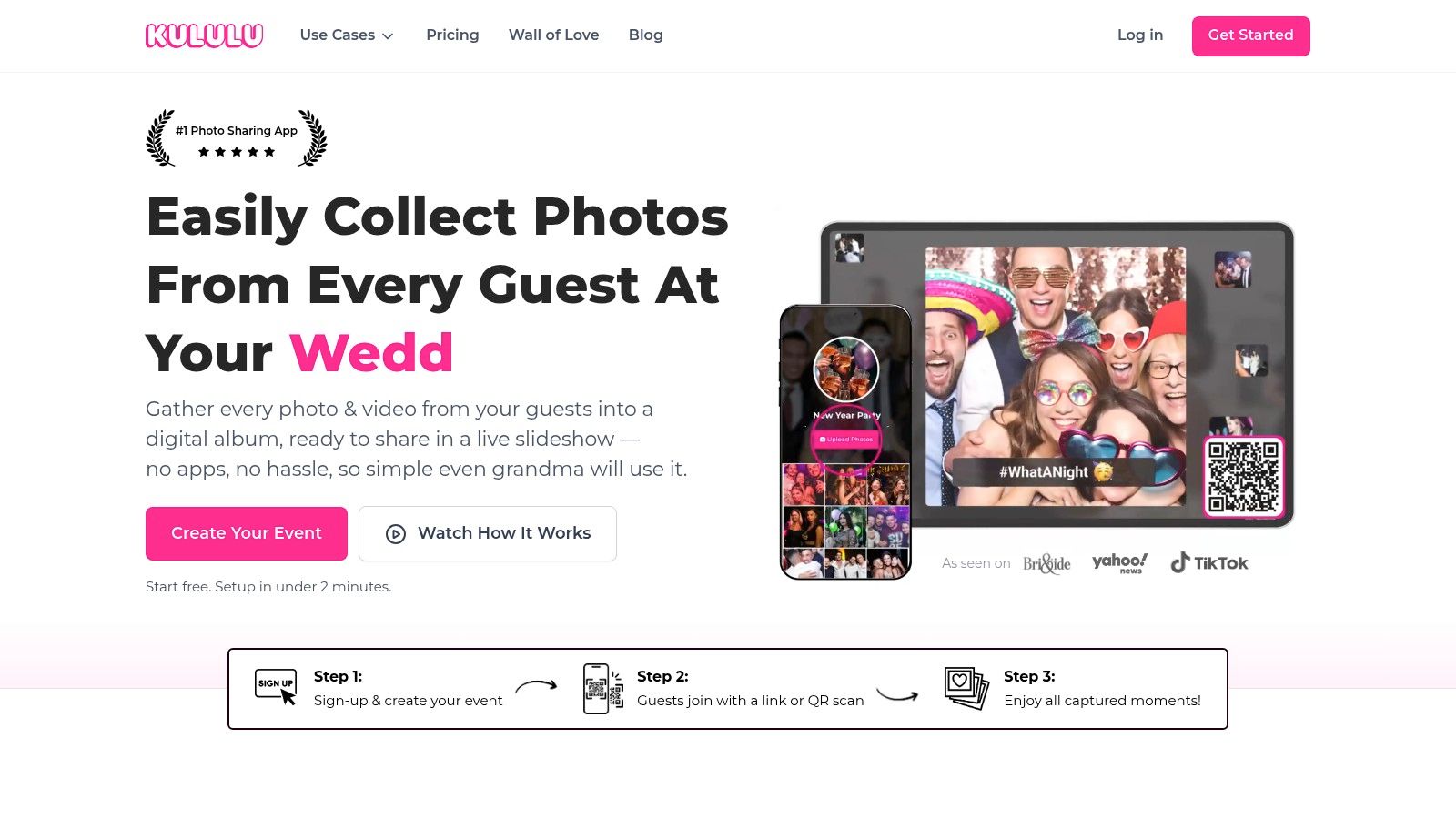
A room full of people tells a different story from a close portrait. Atmosphere photographs are your album's establishing shots, showing the packed dance floor, festival crowd, conference discussion, or garden party before everyone leaves.
Kululu centers its event experience on a live Photo Wall, alongside a digital album and browser-based uploads. It's a strong fit when displaying guest photographs during the event matters as much as collecting them afterward.
Use a wide view from the room's edge, then a closer frame showing people interacting. Keep the horizon straight and avoid making an empty foreground the largest part of the picture.
Display rule: Review an upload as though the person pictured were standing beside the screen.
Separate screen-ready from archive-worthy
For a live display, select photographs with a clear subject that reads from across the room. A crowded frame may be useful in the final album but hard to understand when it flashes past on a projector.
Ask guests to caption the activity rather than supply a generic event slogan: the workshop group testing its prototype, or the family gathering for the final song. At corporate events, review screens, badges, and whiteboards before approving images.
The trade-off: A live wall can encourage participation, but it also creates a moderation job. Assign someone other than the main host to watch submissions, and don't assume an image suitable for a private album belongs on a public screen.
Kululu offers event plans and business options, so compare event duration, upload allowances, and branding needs before choosing. For a quiet family dinner without a display, its central attraction may be unnecessary.
5. WedUploader
Printed keepsakes need detail photographs, not just faces. Photograph the handwritten place cards, bouquet ribbon, anniversary cake, family recipe on the buffet, or graduation cap decoration before guests move things around.
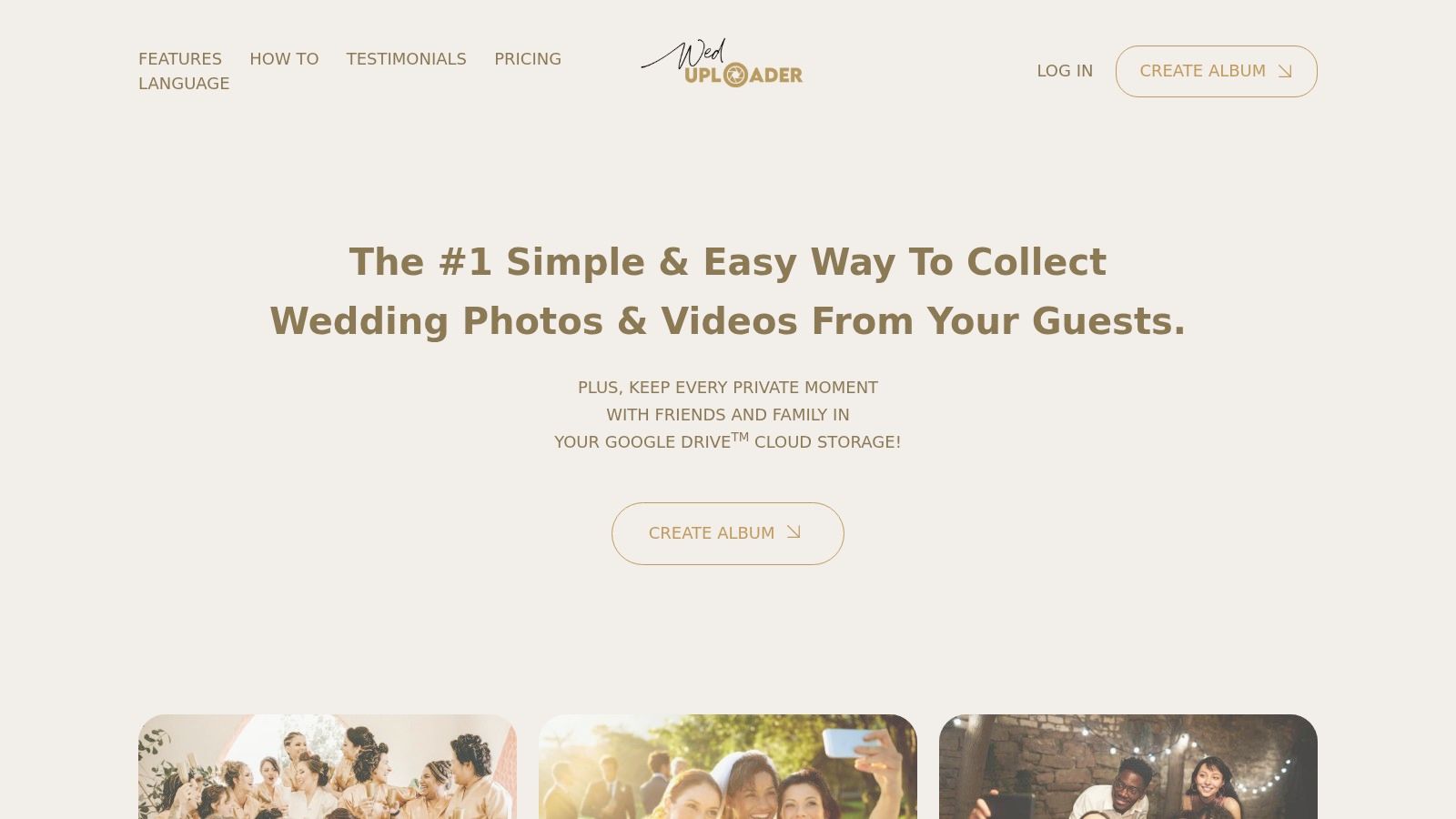
WedUploader sends guest photos and videos into the host's Google Drive. That's a practical distinction if you want the collected originals in storage you already manage, rather than treating the event gallery as your permanent archive.
Photograph details for the page they'll occupy
Capture a clean overhead view of stationery and a closer image that shows texture. For table decorations, lower the camera toward the arrangement instead of photographing everything from standing height.
Leave breathing room around meaningful objects. An album designer may need to crop the image differently from a social post, and a tight screenshot won't provide the same flexibility as the original file.
- Collect: Ask whoever arranged the details to upload their setup photographs before they forget.
- Curate: Keep the clearest version of each meaningful object, rather than every nearly identical angle.
- Caption: Explain the personal link, such as the bouquet wrapped in a grandmother's ribbon, with permission to share that story.
The trade-off: Google Drive storage is your responsibility, and the host must connect a Google account. Guest uploading doesn't require the same sign-in, but the organizer still needs a sensible folder structure and backup routine.
If you're comparing a wedding-specific workflow with a broader event service, this wedding photo-sharing app guide helps frame the choice around guest access and what happens to the files afterward.
6. Guestlense
A thank-you picture should feel meant for its recipient. Choose photographs of people contributing, such as your aunt arranging flowers, a friend giving a reading, or colleagues gathering around the retiring teammate.
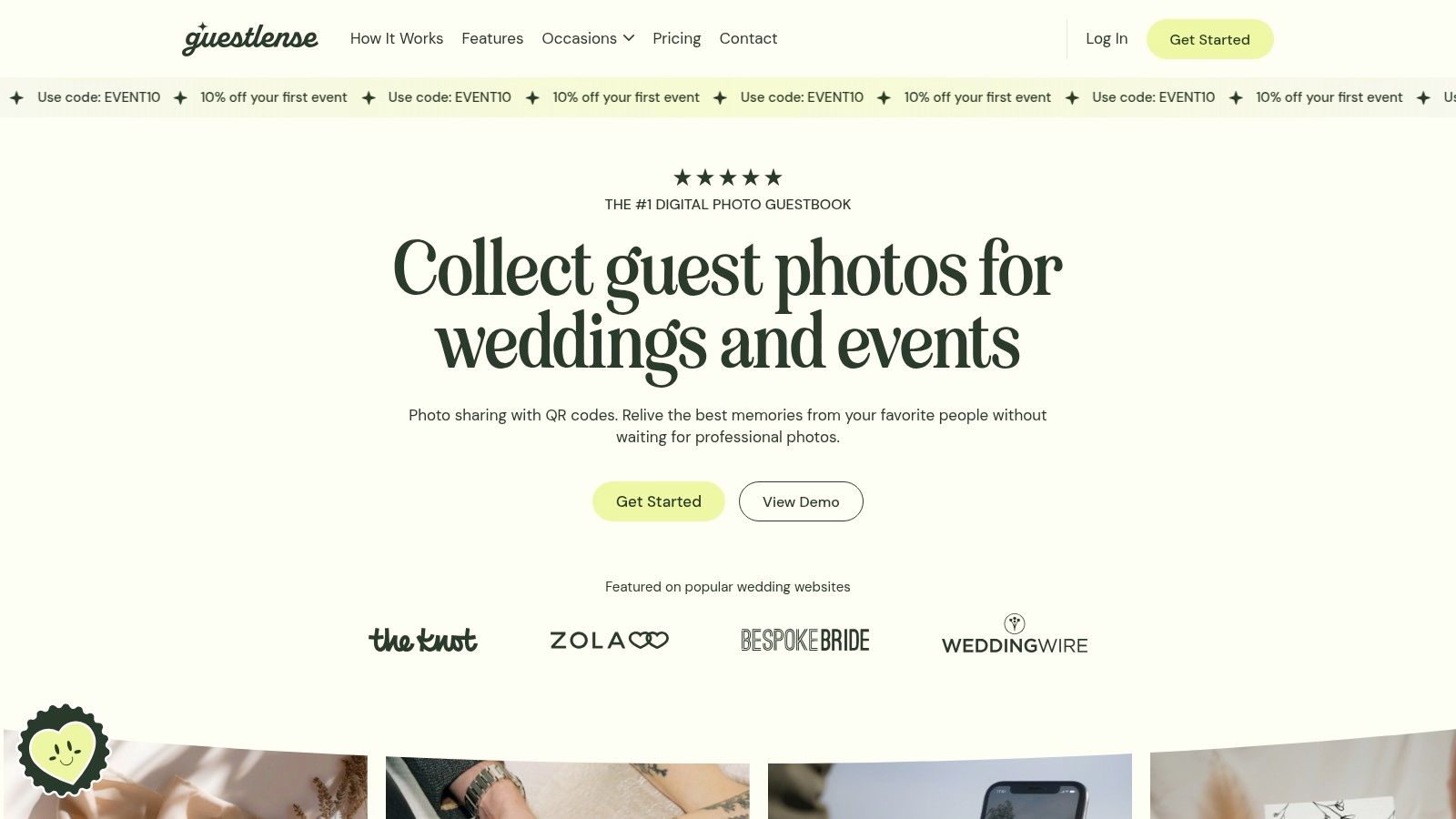
Guestlense combines guest photo and video uploads with a private digital guestbook, customizable galleries, captions, and a slideshow. Its presentation options suit hosts who want a finished collection that feels more personal than a shared folder.
For a printed card, photograph the host and recipient together against an uncluttered background. Leave space on one side if the design will carry text, and check that the planned crop clears hands, faces, and anything held between them. If the card folds, keep both subjects off the crease line.
Match the photograph to the thank-you
Write the caption around a specific contribution: the reading, the handmade cake, the lift that got grandparents to the venue. A shared moment beats a polished pose, so send the cake shot to the baker rather than the same host portrait to everyone.
A personal thank-you doesn't need your most polished photograph. It needs the right person and a recognizable shared memory.
Moderation and bulk downloads both earn their place here. Review contributions before they appear in the guestbook, and pull the full set down once the event closes so card printing never depends on gallery access. Treat the download as your working archive and the guestbook as the presentation layer.
Ask early how long uploads stay open and when guests can view the gallery, then give contributors a deadline ahead of yours. This guest photo-sharing app comparison can help you weigh presentation against collection and archive needs.
7. Photos.io
Not every useful image is a milestone. Everyday guest perspectives make the shared album feel complete: friends arriving together, relatives chatting over coffee, the venue entrance, and the last group helping pack away.
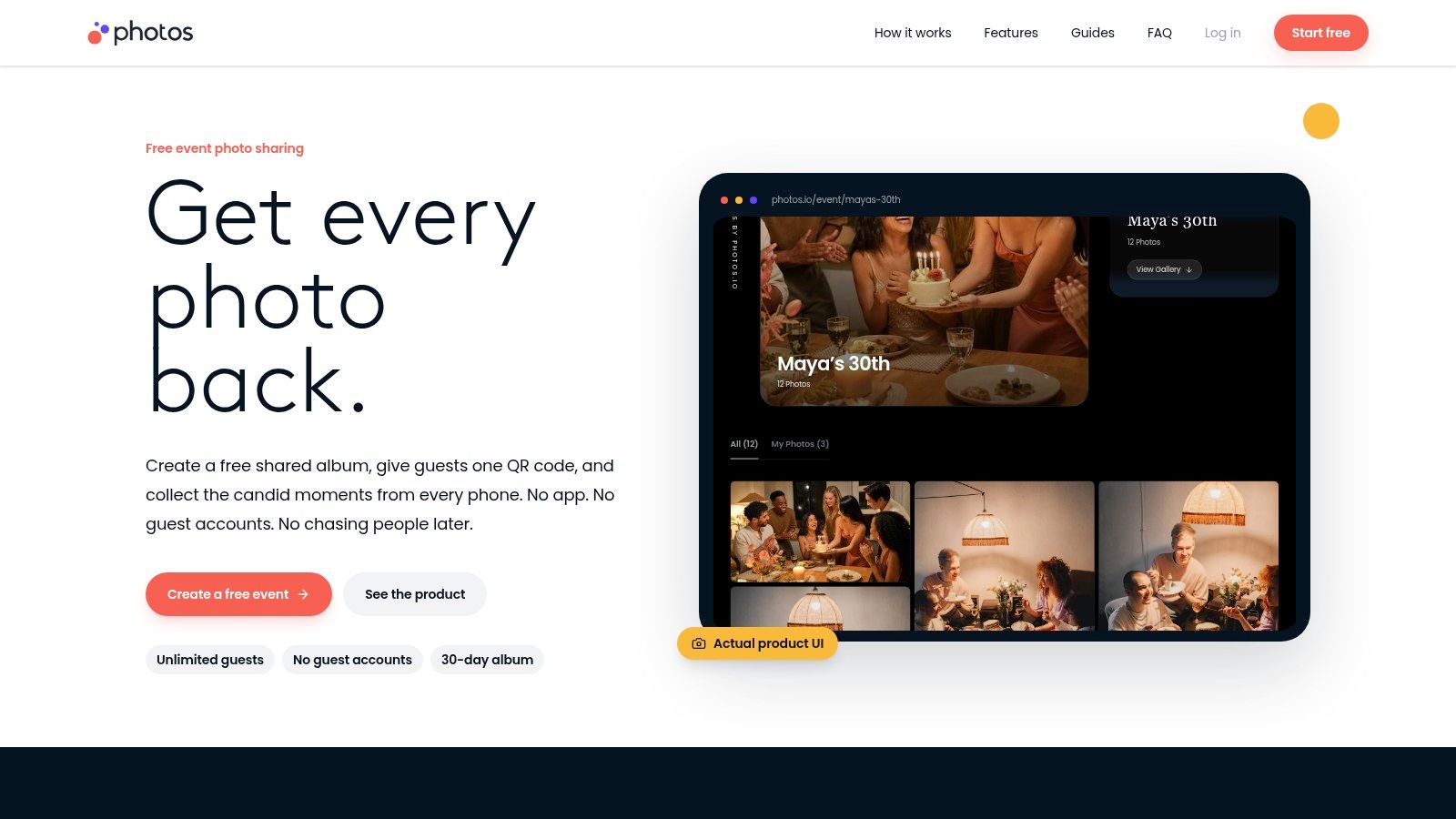
Photos.io is a free, photo-only shared album with browser uploads through a link or QR code. It's the simpler option when guests mainly need somewhere to contribute pictures and browse what everyone else captured.
That simplicity is valuable when you don't need a guestbook, video collection, or elaborate event presentation. It also means you shouldn't choose it expecting those extras to appear later.
Ask for the overlooked photographs
Give guests a concrete prompt instead of asking for everything. Request their table companions, a conversation they enjoyed, or a corner of the event the host probably missed.
- Shoot: Keep people's faces clear and include enough surroundings to show where they were.
- Crop: Remove accidental obstructions, but preserve the small contextual details that distinguish the gathering.
- Caption: Add names only with permission, and describe the activity when names aren't necessary.
DataReportal's overview of social-platform use illustrates why you shouldn't assume every guest uses the same network. A browser-accessible album avoids making participation depend on membership in your preferred social app.
The main compromise is export convenience: Photos.io describes individual downloads rather than a bulk ZIP workflow, and it doesn't accept videos. For a casual gathering, that may be enough; for a larger archive, compare collection and download requirements using this guide to the best app for sharing photos.
Tools for Collecting and Sharing Event Photos at a Glance
Pick the row by destination first: private archive, guestbook-style recap, live display, or print keepsake.
| Item | Best For | Guest Upload Flow | Free Option | Pricing Model |
|---|---|---|---|---|
| EventUploader | Branded events with uploads and a shareable gallery | Link or QR code; no app or account required | Free plan available; no public gallery | Public gallery and shareable albums on One Timer, Light and Pro plans |
| GUESTPIX | Weddings and celebrations with guestbook and slideshow features | Browser upload via link or QR code; no app or account required | No free option listed | One-time event packages |
| GuestCam | Private galleries with audio messages and moderation controls | Browser upload via link or QR code; no app, account, or password required | No free option listed | One-time tiers; optional face-search add-on |
| Kululu | Events with a live Photo Wall or slideshow | Link or QR code; no app or sign-up required | Free tier available, with limits | Free tier, one-off event plans, and business subscriptions |
| WedUploader | Weddings using the host's Google Drive | Link or QR code; guests do not need to sign in | No free option listed | Paid one-time upgrade |
| Guestlense | Styled digital guestbooks and private event galleries | Browser upload via QR code; no app or registration required | No free option listed | One-time plan |
| Photos.io | Simple, free photo-sharing albums | Phone browser upload via link or QR code; no account required | Free albums with unlimited guests | Free to use |
Read the last two columns as a pair: collecting is easy across the board, but publishing, display, and reuse decide which paid tier fits. For EventUploader the split is explicit: the Free plan collects, while the public gallery and shareable albums sit on One Timer, Light and Pro.
From Scattered Phones to a Shared Album, Your Next Step
Choose your must-have photographs before you choose your final gallery layout. Write down the group portraits you'd regret missing, the milestone moments that need coverage, and the details you want to preserve in print. Then assign those photographs to willing guests without turning the celebration into a production schedule.
Set up a central collection page before the invitations go out. Give it a recognizable name and welcome message, then place the QR code where people naturally pause: the entrance, tables, drinks station, or farewell area. Include a typed address and plain instructions so scanning isn't the only way to participate.
Collect first, publish deliberately
Review incoming photographs while the event is still happening. If you have plenty of cake pictures but none of the grandparents, you can still ask someone to capture that portrait before they leave.
- Build for purpose: Separate the chronological recap, social selections, print candidates, and personal thank-you pictures.
- Keep the originals: Make cropped sharing copies without replacing the files you may want for future prints.
- Review the audience: Remove sensitive details and confirm that the people pictured are comfortable with the intended destination.
Treat the printed album as its own editing project. Resources such as this page on album printing for design firms offer a useful prompt to think about page sequence, image selection, and presentation rather than printing the entire upload folder.
Finally, hand the memories back. Publish a considered selection on the same collection link where your chosen service supports it, tell guests what's available, and make the finished album easy to revisit. Keep private images out of the published selection, and remember that anyone who receives a gallery link may forward it.
Don't leave collection until you're chasing guests afterward. Prepare the page, decide which photos to share, and give everyone a clear place to send them.
EventUploader brings guest photos and videos into a branded collection page, without asking anyone to download an app or create an account. Visit EventUploader before the invitations go out, prepare your upload link and QR code, and start with a clear plan for the portraits, candid moments, and keepsakes you want to bring home.