Sharing Photos with Family: A Simple 2026 Guide
Discover the easiest ways to start sharing photos with family in 2026. Keep everyone connected with simple tools and smart tips for lasting memories.
A wedding, birthday, graduation, or holiday ends, and the photos immediately scatter. One relative has the best portraits on an iPhone, another has videos on Android, someone else has posted a few images in a group chat, and the grandparents are waiting for an album they can easily open. The right way to approach sharing photos with family depends on who needs to upload, whether you want everyone's original files or only a viewable album, which devices your family uses, and how much privacy and control the organizer needs.
Use a QR upload page for live event collection, a cloud photo library for automatic household syncing, a private family album for less-technical relatives, and a polished gallery for long-term presentation. Each option below includes practical setup steps, strengths, limitations, and a recommended workflow. If you want to turn the final collection into something tangible, you can also print family photos on blankets after choosing and organizing the best images.
Table of Contents
- 1. EventUploader
- 2. Google Photos
- 3. Apple Photos
- 4. Amazon Photos
- 5. FamilyAlbum
- 6. Cluster
- 7. SmugMug
- Family Photo Sharing: 7-Service Comparison
- Build a Family Photo Workflow That Lasts
1. EventUploader
At a wedding, reunion, or graduation, guests capture different parts of the day. EventUploader gives them one shared place to send photos and videos while the event is still happening. Create a branded upload page, display its QR code, and let guests submit media through any mobile browser. No app download or account is required, which suits grandparents, children, and relatives carrying different phones.
Set up the event with its name, colors, logo, and welcome message. Share the upload link in advance, or print the QR code on tables, invitations, signs, or a venue screen. New files appear in one dashboard, where the host can review contributions, pause or stop uploads, and choose what enters the gallery. Original-resolution storage and bulk export on paid plans make it a practical collection point. Follow the EventUploader setup guide to configure the workflow.
Best for live event collection
Choose EventUploader for weddings, reunions, milestone birthdays, christenings, communions, graduations, conferences, festivals, and sports events. It fits hosts who want every guest to contribute instead of asking one person to collect files after the celebration.
The upload link can also lead guests to a curated gallery. Hosts may show that gallery as a full-screen slideshow, allowing new contributions to appear during the event. Use the service when collection and live presentation belong in the same workflow.
Practical rule: Collect everything first, curate later. Original files are harder to recover than unwanted uploads.
Trade-offs and pricing
The free plan provides 0.5 GB of storage and a 2-day upload window, according to EventUploader's listed plans. The One Timer plan costs $25 one time for 50 GB, Light costs $12 per month for 50 GB, and Pro costs $40 per month for 500 GB, per the same listed plans. Paid plans also include ZIP bulk export, AI tools, no-watermark galleries, public galleries, and priority support.
EventUploader stores files on AWS S3 and uses HTTPS signed uploads. Large events may require a paid plan, particularly when guests send many videos. For one family celebration, choose the one-time plan if you want a single purchase. Planners, venues, clubs, and organizations running recurring events should choose a monthly plan instead.
2. Google Photos
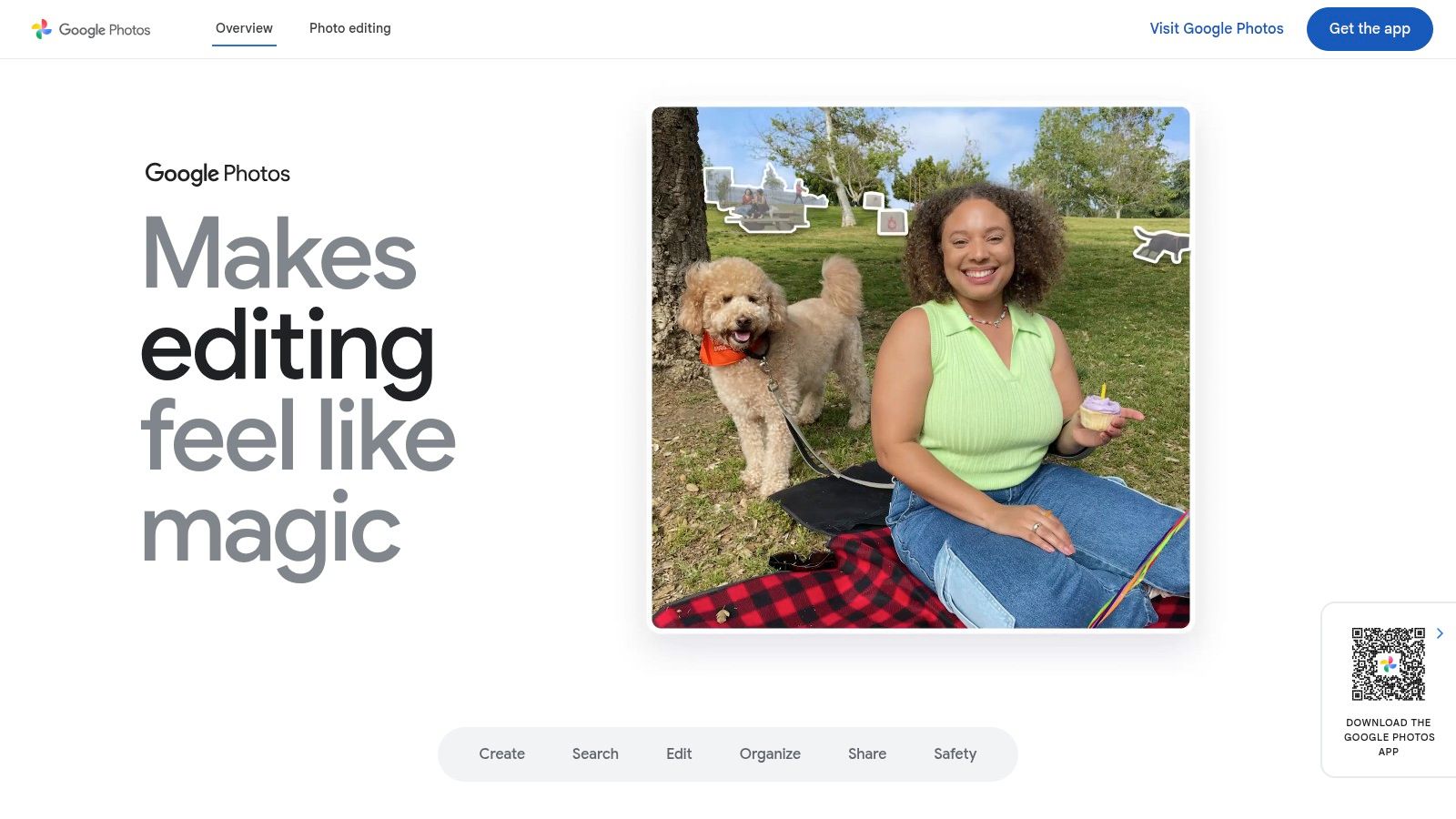
Google Photos is the best all-purpose option for a family that mixes Android, iPhone, and web users. Most relatives already understand the basic idea of Google Photos, and the service combines shared albums, search, editing, automatic memories, and cross-platform access in one familiar place.
For a birthday or holiday, create a shared album, choose whether people can only view it or also add photos, and send invitations to named family members. A link can make access easier, but member-based sharing gives you more control. If the same two people need automatic exchange, Partner Sharing can share all photos, photos from a chosen date, or images grouped by selected faces.
Best for automatic household syncing
A couple can use Partner Sharing to reduce manual album maintenance. One person takes photos, and the other receives them automatically according to the selected rules. Families can also pool Google One storage, which keeps the setup convenient when relatives use different operating systems.
Google Photos includes 15 GB of free storage across Google services, as described by Google Photos. Storage saver can reduce file size, so check the upload setting before a major event if preserving original quality matters. Partner Sharing is limited to one partner at a time, so it isn't a full solution for a large extended family.
For a mixed-device household, use Google Photos for ongoing syncing and search. For a crowded wedding or reunion where dozens of guests need to upload without accounts, use a dedicated QR upload service instead. A QR code for a Google Photos album can make an existing album easier to open, but it doesn't remove Google account and permission considerations.
3. Apple Photos
Apple Photos is the right choice for an Apple-centric family that wants a shared, co-owned library rather than a simple stream of uploaded images. iCloud Shared Photo Library lets participating family members contribute to one collection, while edits, captions, and favorites remain visible across the shared setup. Traditional Shared Albums are simpler when relatives only need to view or add selected photos.
Create the shared library from Photos settings, invite the people who should contribute, and decide whether new photos move into the shared collection automatically or require review. Explain the rules before turning it on. A shared library changes how family members manage photos, so everyone should understand which images are communal and which should stay in a personal library.
Best for an Apple device ecosystem
Choose this option when most contributors use iPhone or Mac and the household already pays for iCloud+. Family Sharing lets one organizer share iCloud+ storage with up to five other people, according to Apple's iCloud information. Photos also fit naturally into Apple TV, Mac, iPhone, and iCloud for Windows workflows.
The central advantage is shared ownership. A parent, partner, or sibling can contribute, edit, caption, or favorite images without maintaining separate copies of the same event album. That makes Apple Photos particularly effective for a household documenting everyday life over many years.
A shared library works best when the family agrees on what belongs in it before everyone starts contributing.
There are limits. Each person can use only one Shared Photo Library, so multiple co-owned family libraries aren't practical. Classic Shared Albums also have different protection and feature behavior from the newer shared library model. Use Shared Albums for a simple milestone album, and use iCloud Shared Photo Library when the family wants one common collection.
For a quick guide to the simpler option, follow this iPhone shared album walkthrough.
4. Amazon Photos
Amazon Photos makes the most sense for eligible Prime members who want full-resolution photo storage and already use Amazon devices at home. It supports mobile and web access, private sharing Groups, Family Vault, Echo Show displays, and Fire TV slideshows. Relatives don't need to join a social network to view a family collection.
Start by creating a Family Vault for household contributions or a private Group for a specific event. Invite the relatives who need access, then decide whether they can add photos or only view and react. For a holiday or anniversary, display the finished collection on an Echo Show or Fire TV so the photos become part of the home rather than remaining hidden in an app.
Best for Prime households and home displays
Prime members in supported markets receive unlimited photo storage, while other customers get 5 GB of free storage, according to Amazon Photos. Family Vault supports contributions from up to six members. Those benefits make Amazon Photos attractive for families already paying for Prime and storing large photo collections.
The service is particularly good at automatic household presentation. A grandparent can see family memories on an Echo Show, and a household can run a slideshow on Fire TV without manually opening an album each time.
Videos use a separate quota, and storage benefits vary by country. Check local availability before promising the service as the family's main video archive. If your event produces many videos, preserve a separate original-quality export rather than relying on the photo-storage benefit alone.
5. FamilyAlbum
A grandparent wants regular updates about a child, but has no interest in folders, permissions, or cloud settings. FamilyAlbum addresses that situation with a private, invitation-only space built around family milestones rather than file management. Its simple onboarding also suits parents who want relatives to participate without teaching them a general-purpose photo service.
Create an album, invite close relatives, and post photos or videos during everyday moments and events. Family members can comment privately, while “1s Movies” and “On This Day” turn older uploads into quick recaps. The free plan includes unlimited photo and video uploads and does not show third-party ads, according to FamilyAlbum's plan overview.
Best for private milestone albums
Choose FamilyAlbum for a baby's first year, birthdays, school milestones, holidays, or an ongoing connection between children and grandparents. One parent can manage the album, while relatives use the app mainly to view, comment, and respond. That workflow fits close family and friends better than a public social account.
Premium adds longer video uploads, a desktop uploader, casting, advanced sharing groups, and physical products such as photobooks and prints. Premium raises the video limit to up to 10 minutes per upload, as stated in FamilyAlbum's feature list. One Premium subscription can cover the whole album, so relatives do not need separate paid accounts.
The trade-off is limited depth for serious archives. FamilyAlbum is a poor fit for photographers who need detailed search, advanced editing, or extensive archival controls. Use it when easy participation matters more than professional asset management, especially across mixed technical skill levels.
6. Cluster
Cluster keeps family sharing closer to a private group conversation than a formal photo library. Create an invitation-only space, add relatives through a link or contacts, and let members post, comment, and react to photos and videos. It works across iOS, Android, and the web, so a small family circle doesn't need to standardize on one phone brand.
This workflow suits a reunion, shared holiday, family sports season, or private milestone where everyone wants to post casually. Relatives can contribute from their own devices without filling a public social feed with family content. The service also offers optional printed photobooks generated from group photos, which gives the collection a path beyond the app.
Best for small private circles
Cluster is a good match for families that value simplicity over advanced controls. A less-technical relative can open the group, see new posts, and add a comment without learning a complex cloud-library structure. Invitation-only access also keeps the audience focused on people the organizer has approved.
Use Cluster when the family wants a private conversation around photos, not a carefully managed archive.
The limitation is long-term organization. Cluster is less dependable than Google Photos or Apple Photos for search, editing, and backup. Public information also places less emphasis on detailed storage tiers and archival tools. For a one-off event, that may not matter. For years of high-resolution family photography, keep an independent export and choose a dedicated archive alongside the group.
7. SmugMug
SmugMug is the strongest option for long-term presentation, especially when a family includes a hobbyist photographer or wants milestone photos to look like a finished gallery. Paid plans provide unlimited full-resolution photo storage, private and passworded galleries, display controls, watermarking, and web, mobile, and desktop upload options.
Organize a wedding, graduation, anniversary, or family portrait session into a polished gallery. Give relatives a password or restricted invitation, choose the presentation style, and keep the original files available for future prints. Lightroom integration helps photographers move a curated collection into the family archive without treating the gallery like a casual chat feed.
Best for heirloom-quality archives
Choose SmugMug when presentation matters as much as access. It works well for a photographer delivering wedding images to relatives, a family preserving generations of portraits, or a household that wants a clean gallery rather than an endless timeline.
The service is paid-only and generally costs more than mainstream consumer platforms. Collaboration also centers on gallery viewing rather than chat-style posting. That makes SmugMug a poor choice for collecting spontaneous photos from every guest at a live event, but an excellent destination for the final, edited collection.
Keep the workflow simple. Collect guest photos with a low-friction upload tool, remove duplicates and unwanted images, then publish the selected set to SmugMug. Store a separate original-quality export so the gallery isn't the only copy.
Family Photo Sharing: 7-Service Comparison
| Service | Complexity 🔄 | Resources & Cost ⚡ | Expected outcomes 📊 | Ideal use cases 💡 | Key advantage ⭐ |
|---|---|---|---|---|---|
| EventUploader | Low, quick setup, QR/link no-app flow | Free 0.5 GB; one-time and monthly plans; preserves originals | Consolidated, original-quality captures + live slideshow | Weddings, conferences, events, venue uploads | Effortless attendee uploads and original-quality export ⭐ |
| Google Photos | Low, familiar cross-platform apps | 15 GB free (shared); Google One upgrades; storage counts to account | Strong search, edits, automatic creations and sharing | Mixed-device families, casual sharing, partner sync | Powerful AI search + Partner Sharing automation ⭐ |
| Apple Photos | Low for Apple users, deep system integration | iCloud storage via iCloud+/Family Sharing; one shared library limit | Synced co-owned library with edits/favorites across devices | All-Apple families wanting shared library ownership | Seamless device integration and true co-ownership ⭐ |
| Amazon Photos | Low, integrated with Amazon ecosystem | Unlimited photos for Prime (regions); 5 GB free; videos limited | Reliable full-res photo backup for Prime members | Prime households, Echo/Fire display use | Excellent value for Prime members with device integration ⭐ |
| FamilyAlbum | Very low, invite-only, easy onboarding | Free unlimited uploads; Premium for longer videos/desktop features | Private family timeline with auto-generated keepsakes | Parents, relatives seeking private, simple albums | Family-focused UX and auto-created memories ⭐ |
| Cluster | Low, simple private group threads | Free/basic; storage/pricing details limited publicly | Private group albums with collaborative posting/commenting | Small family/friend groups wanting privacy | Lightweight, low-friction private sharing ⭐ |
| SmugMug | Medium, more setup for galleries/customization | Paid-only plans; unlimited full-resolution storage; higher cost | Polished galleries and long-term heirloom archives | Photographers or families wanting premium presentation | Premium presentation and unlimited full-res storage ⭐ |
Build a Family Photo Workflow That Lasts
Choose the tool according to the job, not according to the longest feature list. EventUploader is the clear recommendation when many guests need to submit original photos and videos during a one-off wedding, birthday, reunion, graduation, or recurring event. Its QR code and browser upload flow work across device types, and the host retains control over collection, curation, and publication.
Choose Google Photos for a mixed-device family that wants strong search, flexible album permissions, and automatic sharing between two people. Choose Apple Photos when the household already uses iPhone, Mac, Apple TV, and iCloud, and wants one co-owned library rather than separate albums. Choose Amazon Photos when eligible Prime members want full-resolution photo storage and easy display through Amazon home devices.
For relatives who need the simplest possible experience, choose FamilyAlbum for an ongoing private child or milestone album. Choose Cluster for a small family group that wants private posting and comments without the noise of a public social network. Choose SmugMug when the end result should feel like a polished, password-protected gallery that can serve as a long-term family archive.
Privacy needs practical attention. Invite only the people who need access, prefer member-based or password-protected sharing instead of public links when appropriate, review who can contribute, and keep an original-quality export after every major event. Be especially careful with children's photos. A Canadian family media study found that 43% of parents limited shared childhood content to close family and friends, while 73% said they sometimes shared photos, videos, or blog posts about their child, as reported in the Digital Canadian Families study. Sharing privately still requires clear rules about reposting, forwarding, and permission.
The most reliable workflow is collect first, curate second, and share the final gallery through the least technical method your family can consistently use. That approach preserves the originals, reduces confusion, and gives relatives a simple place to return to long after the event ends.
EventUploader gives families a branded upload page, a printable QR code, and browser-based collection for photos and videos, with no app or account required for guests. Use it to gather every original from a wedding, birthday, graduation, reunion, or holiday, then publish a curated gallery through the same link. Visit EventUploader to set up your family photo workflow.